

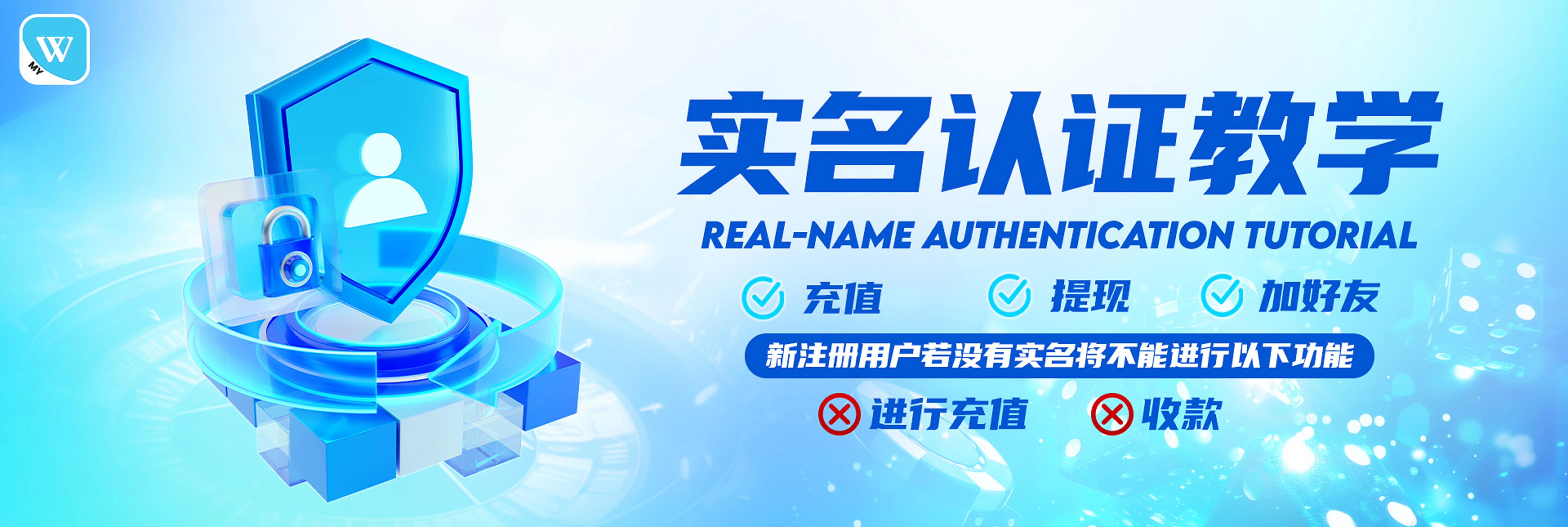
Winbox88 Real Name Verification Guide (Step-by-Step)
Real name verification is required to unlock full features on Winbox88, including secure deposits and withdrawals.
This guide will walk you through the complete process to verify your account quickly and correctly.
New user? Register at Winbox88 before starting verification here, or login if you already have a Winbox88 account here, Winbox Login.
What Is Winbox88 Real Name Verification?
Winbox88 real name verification is a security process that links your account to your real identity and bank details.
By completing verification, you ensure:
- Your account belongs to you
- Your withdrawals are processed smoothly
- Your funds remain secure
Why Real Name Verification Is Required
Real name authentication helps:
- Prevent fraud and fake accounts
- Ensure withdrawals go to the correct bank account
- Protect users from unauthorized access
- Improve transaction speed and approval rate
Without verification, some features may be restricted.

Prevent withdrawals through stolen accounts

Prevent money laundering or arbitrage

Improve withdrawal efficiency and security
Step-by-Step Winbox88 Verification Tutorial
Step 1 – Open Winbox App
Log in to your account via Winbox88 login.
H3: Step 2 – Go to Profile (Me)
Tap "Me" (or "Saya" in Malay) at the bottom navigation bar. This will navigate to your Winbox personal account page.
Step 3 – Access Settings
Click the three dots ( … ) on the top-right corner. This opens more account options.
Step 4 – Select Real Name Authentication
Choose "Real-name authentication" from the menu.
(also shown as "Pengesahan nama sebenar").
Step 5 – Enter Your Full Name
Input your full legal name exactly as per your bank account name.
Step 6 – Add Bank Details
Select your bank and enter your correct bank account number.
H3: Step 7 – Confirm Information
Click "OK" after filling in all required details.
Step 8 – Verify and Submit
Double-check that your name matches your bank account. (Note: If they don’t match, the verification will fail.)
Step 9 – Wait for Approval
Once submitted, you will see: "Real-name authentication successful"
That means your account is now verified and secure.
Now your Winbox account is verified and ready to use with full security!
Log in now and enjoy a safe, verified experience with Winbox.
Important Tips for Successful Verification
- Use your real bank name only
- Ensure name spelling matches exactly
- Do not use another person’s bank account
- Verification is only required once per account
Winbox88 Real Name Verification FAQ
It helps protect your account and money. Winbox can confirm that the account belongs to you, not someone else.
Winbox Official | Winbox Register | Winbox Login | Winbox Download